The same Meta pixel, added twice: how we found it and proved the fix
Aurelle is a Shopify jewelry store we run. We set it up with the Meta pixel in two places, the most common setup we find on Shopify stores, then used our process to find it, fix it, and prove the fix with real orders.
The setup
One copy of the Meta pixel was pasted into the theme code, the old way. A second copy of the same pixel was added as a custom pixel in Shopify's Customer events, the way many stores add it after Shopify's Thank You page change. Neither copy sent an event ID.
Without event IDs, Meta has no way to tell that two events describe the same visit or the same order, so it counts both. The ad platform then reports more activity than really happened and optimizes on those inflated numbers.
1 · The free check found it
Our scan reads the store the way a visitor's browser receives it. It flagged: “Meta pixel in the theme code and a custom pixel”. Custom pixels run in a sandbox, so their contents can't be read from outside, which is why the next step is a real order.
2 · A real order showed the double count
We placed an order and recorded every request the browser sent to Meta:
| Page | Event sent to Meta | Sent by | Event ID |
|---|---|---|---|
| Product page | PageView | Theme code | none |
| Product page | PageView | Custom pixel | none |
| Thank You page | Purchase | Custom pixel | none |
The product page view reached Meta twice, from two different sources, with no event ID on any event.
Here the purchase itself was sent once, because only the custom pixel listened for it. On real stores the same setup usually adds a second purchase source too (the Facebook & Instagram app or its Conversions API), and with no event IDs every order is then counted twice.
3 · The fix
- Removed the pixel from the theme code, leaving one Meta setup.
- Made the remaining pixel send Shopify's own event ID with every event, and the order ID with every purchase.
- Worked on a copy of the theme first, and kept a change log with undo steps.
4 · A second order proved it
| Page | Event sent to Meta | Sent by | Event ID |
|---|---|---|---|
| Product page | PageView | Custom pixel | yes |
| Checkout | PageView | Custom pixel | yes |
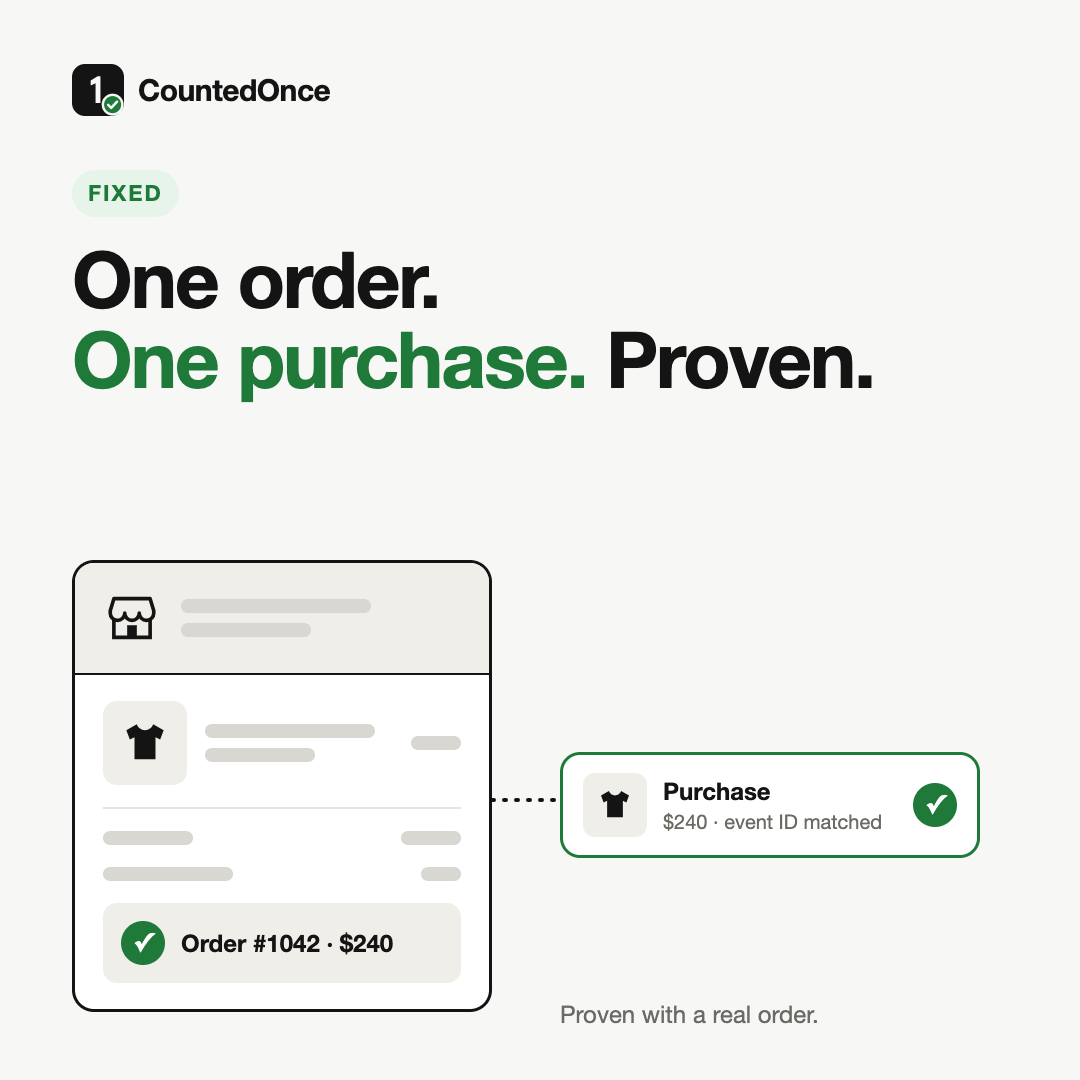
| Thank You page | Purchase | Custom pixel | yes (order ID) |
One event per page, one purchase per order, each with an ID Meta can use to remove duplicates, including against the server-side Conversions API when it's switched on.
What this shows, and what it doesn't
Aurelle is our own store, so there are no client figures here. What it shows is the method we use on every store: find the problem from the outside, prove it with a real order, fix it, and prove the fix the same way. A browser can't see server-side events, so on a live store we also compare with the events Meta itself received.
The free check takes about 30 seconds and needs no email.
Check my store